Print any of these PDF files with Adobe Reader using "Actual Size" for best
results, not "fit" or "shrink oversized". Use a laser printer; if you use an ink
jet printer you'd need to laminate it somehow (contact paper; clear packing
tape; actual laminating machine) to prevent ink transfer to book pages.
I think the proper duplex ("print on both sides") setting is "flip on long
edge", and it probably only matters on the tall version. Whether doing the
duplex automatically or manually, test it once using a cheap piece of paper
before printing with nicer or heavier paper.
Regular office copy/printer/multiuse paper makes a usable bookmark for the short
version, but is very floppy with the taller one. Somewhat heavier paper is
better. 32 lb (aka 80 lb text or 120 gsm) makes a nice bookmark in either
size. Don't go so thick that it hurts the book binding or won't go through your
printer.
The source files are OpenDocument Graphics files, which can be used with
OpenOffice or LibreOffice and possibly other drawing programs. You'll need to
get the (free, I believe) Thomas Paine font and the free DejaVu font family to
work with these files. You could change all the DejaVu Serif text to some font
of your choosing, but to duplicate the LibraryThing logo you need the Thomas
Paine font.
Short Bookmarks
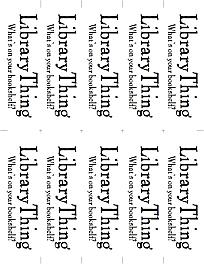
Short bookmarks print 10 per sheet of US Letter or A4 paper. The bookmarks from
US Letter sheets are 5.5" x 1.7"; from A4 they are 148mm x 42mm. They work with
pretty much any size book.
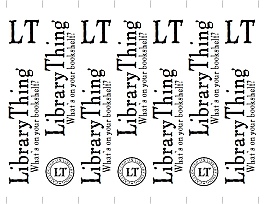
Tall bookmarks print 7 per sheet of US Letter or A4 paper. The bookmarks from US
Letter sheets are 8.5" x 1.5"; from A4 they are 210mm x 41mm. They are much
taller than most mass market paperbacks, but are nice with hardcovers and some
trade paperbacks.